Bike rental Châtel-Censoir: discover Vézelay and the Rochers du Saussois with Cycle Divin
Enjoy a bike rental in Châtel-Censoir to discover Vézelay, the Rochers du Saussois and the Canal du Nivernais at your own pace.
Whether you are staying in the region, passing through Burgundy or looking for a nature outing, our electric bikes let you explore Châtel-Censoir, Vézelay and their surroundings at your own pace.
Departure at the Port de Châtel-Censoir, 5 Rue de Magny, 89660 Châtel-Censoir
Available Monday to Saturday 9am-1pm or 2pm-6pm
Choose your date and book your bike:
Why choose our bike rental in Châtel-Censoir?
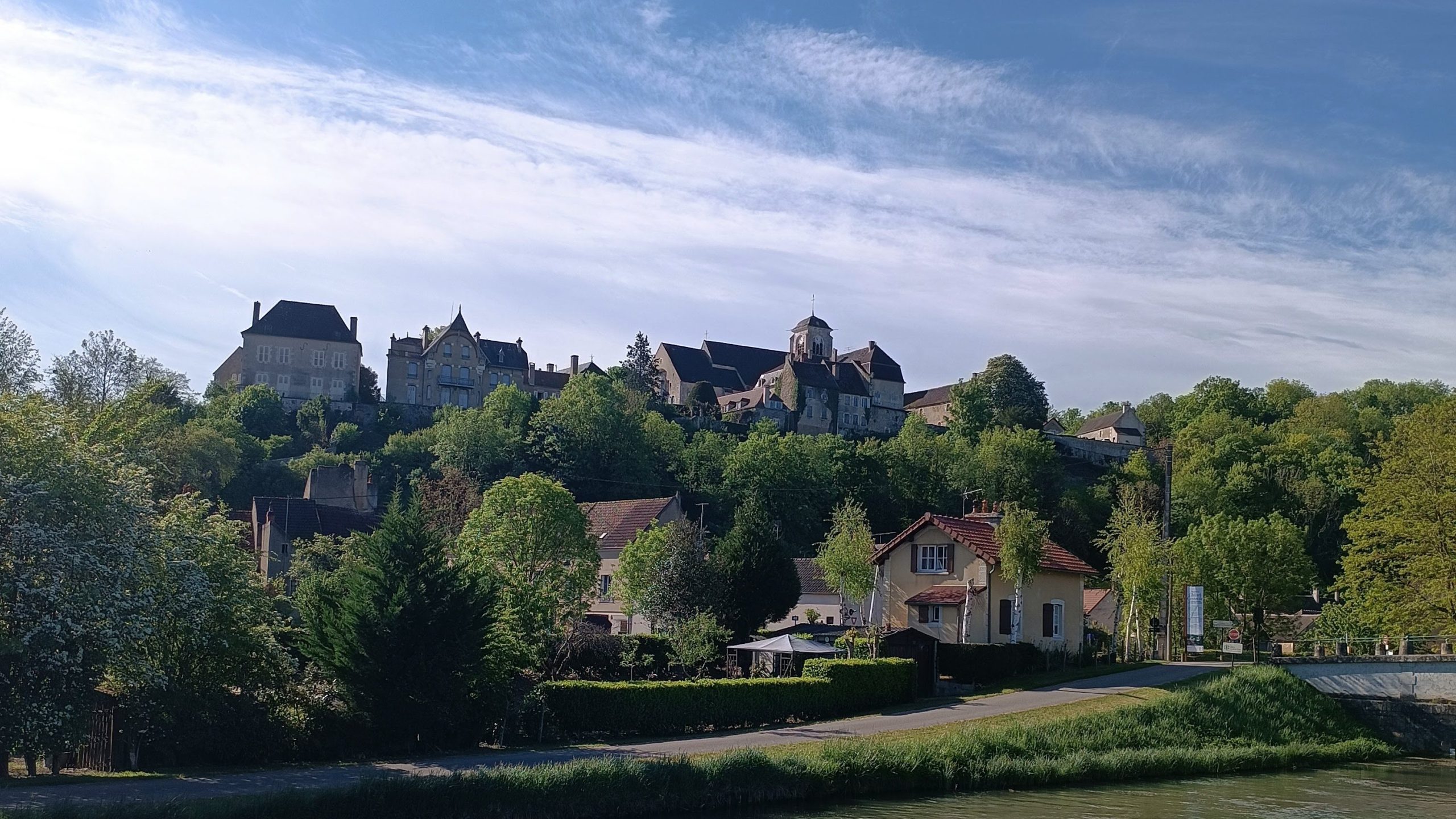
Châtel-Censoir is an excellent starting point to discover by bike the Canal du Nivernais, the Rochers du Saussois and Vézelay. The area offers a remarkable natural setting, ideal for an outing as a couple, with family or friends.
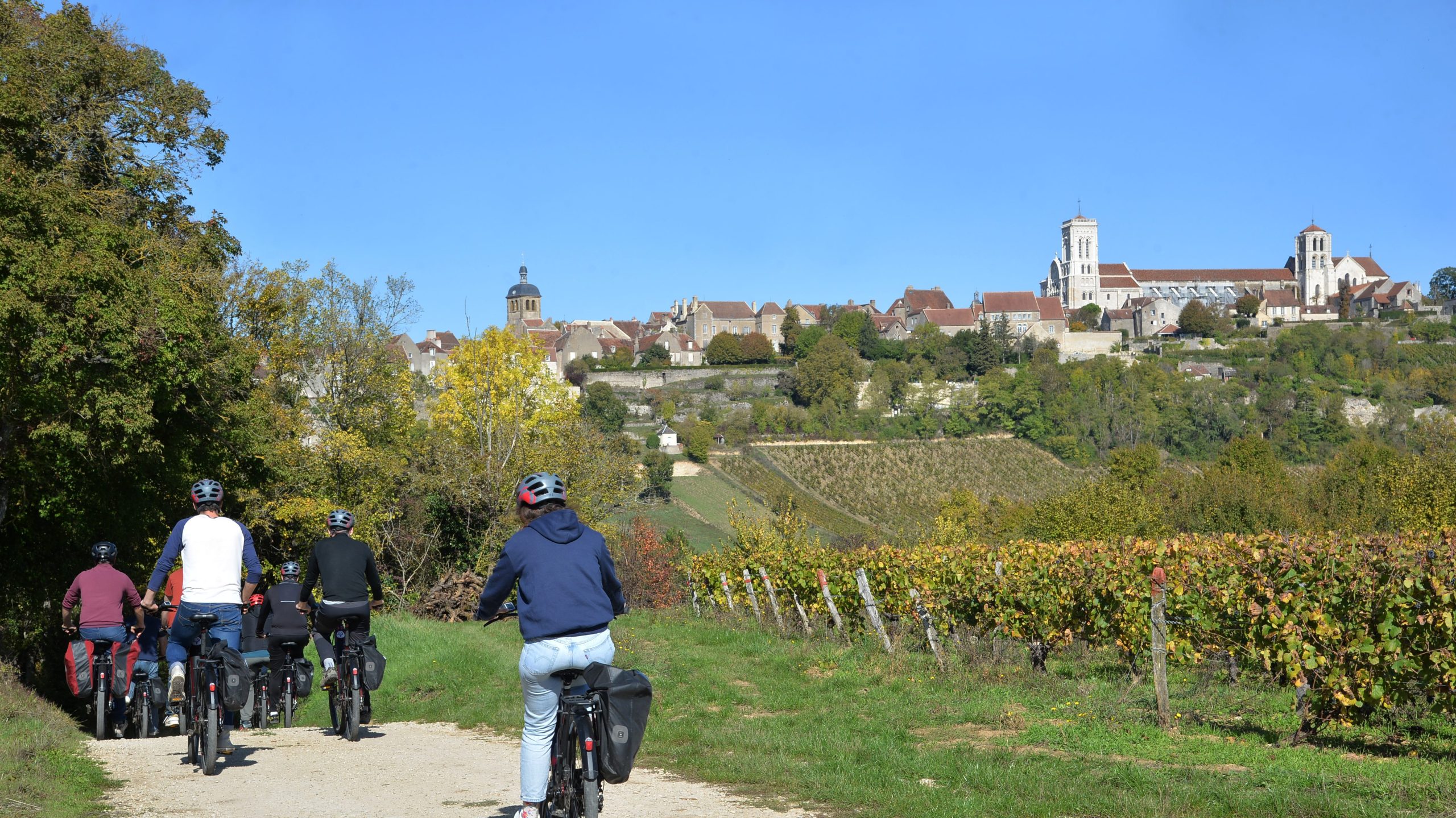
Thanks to our bike rental service in Châtel-Censoir, you enjoy a flexible formula according to your wishes. You can book for a half-day, a full day or more, to organise your outing with ease.
Leaving from the Capitainerie de Châtel-Censoir, you can easily access peaceful, pleasant routes suited to exploring the area. It is an ideal way to visit Burgundy differently, in the open air and without any constraints.
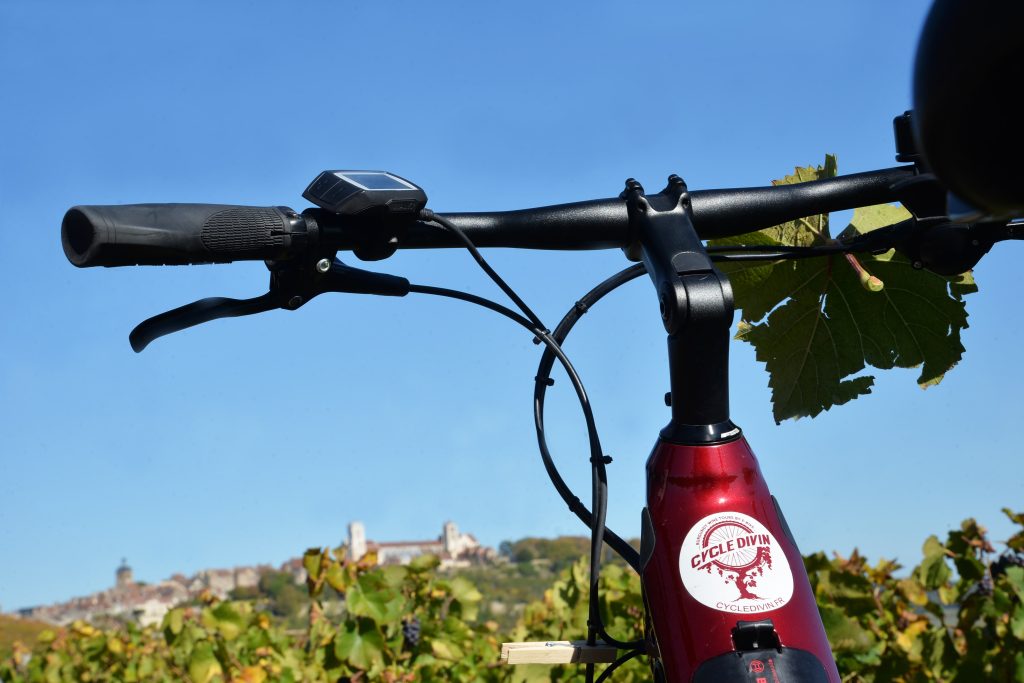
Cycle Divin also offers bike rentals from the Canal du Nivernais:
Departing from the “camping du petit port” in Chatel Censoir (muscle bikes only)
By phone: 07 45 27 15 44 or by email: campinglepetitport@onlycamp.fr
Site: Camping le petit port

Need information?
For any question about rental, availability or a multi-day request, contact Cycle Divin at 06 14 96 76 44 or via our contact page
Download Kamino Guide to enrich your ride
By booking your bikes, enjoy the Kamino Guide app to discover local heritage during your cycling outing from Châtel-Censoir. Once your booking is confirmed, access enriched content to fully enjoy your exploration of the area.
Download, scan and discover our heritage
Free when booking your bikes!!


How to use Kamino-guide?
1- Download the Kamino-guide app on your smartphone
2- Once the app is open, go to the “Library” (Bibliothèque) section.
3- Click on “Professionals” and select “Cycle Divin”.
4- Choose your route under the “Activities” section.
Choose your date and book: